Last Updated:

Deepak Singla

IN this article
Explore how AI support agents enhance customer service by reducing response times and improving efficiency through automation and predictive analytics.
Day 30 is coming, and your team still disagrees about what counts as a successful AI support agent pilot. One person points to faster replies; another points to wrong answers and unhappy customers. Set five measures and a cost check before launch, then keep those targets unchanged so you can make a clear go or no-go decision.
TLDR:
Run your 30-day AI support agent pilot in a high-volume, low-risk live queue.
Set 3 routes before launch: autonomous, draft for review, or bypass to staff.
Track 5 metrics: resolution, escalation, accuracy, CSAT, and time-to-first-response.
At day 30, expand only if preset gates pass. Include review and rework in cost per resolution.
Send us 1,000 real tickets and we'll run a benchmark on your data.
If you are still choosing a vendor to pilot, start with our guide to running an AI customer support proof-of-concept pilot.
What an AI support agent pilot actually is
A 30-day AI support agent pilot tests an agent in a limited live queue with real customers and tickets. You set the workflow, testing period, and staff oversight, then measure results against your current support process.
A proof-of-concept demo tests capability in a sandbox, a step worth revisiting during AI customer support vendor selection. A chatbot trial can test scripted replies. Your pilot tests whether an agent completes approved work in production, including cases requiring human help.
Treat the pilot as a controlled production commitment. Assign a named owner with permission to stop the test.
Choosing the right pilot workflow
Start your AI support agent pilot with a high-volume, repetitive ticket category where errors carry little risk. Frequent requests give you more cases to review; predictable steps make failures easier to spot.
Shortlist candidates from your recent queue:
Select recurring requests with clear, approved answers.
Favor workflows with few exceptions or judgment calls.
Exclude categories where errors expose sensitive data or cause financial harm.
An order-status lookup is a stronger starting point than a disputed-charge decision. Choose the busiest category that passes these checks.
Prepare your knowledge base before the pilot launches
Conflicting instructions can stall an AI support agent pilot. Use recent interactions to define correct answers, consistent with CallMiner's guidance on understanding good support outcomes.
Audit articles for expired policies and conflicting instructions.
Merge duplicate sources into one approved answer; retire superseded copies.
Map common intents and alternate phrasings to the correct article.
Assign an owner to approve corrections before testing.
Test representative questions against the cleaned content. Keep intents out of the live queue until reviewers agree on the answers.
Set your pilot scope and agent boundaries
Before your AI support agent pilot launches, assign every ticket type a routing rule. Define what the agent can complete:
Route | Pilot boundary |
|---|---|
Autonomous | Answer approved questions or perform tested actions within fixed limits. |
Draft for review | Prepare replies when staff judgment or approval is required. |
Bypass entirely | Send excluded requests directly to the human queue without an AI reply. |
For the first 30 days, keep untested edge cases outside autonomous handling. Expand scope only when pilot evidence supports the change.

Defining success metrics before day one
Lock definitions and pass thresholds, drawing on standard customer service KPIs for AI support teams, before your AI support agent pilot launches.
Resolution rate: tickets solved without human touch.
Escalation rate: tickets passed to staff.
Accuracy: reviewed resolutions judged correct.
CSAT: customer satisfaction with pilot interactions.
Time-to-first-response: time from request to first reply.
Record your queue’s baseline. Treat these AI support measurement benchmarks as one vendor's reference points, not an industry-wide standard or automatic pass thresholds. Set stricter accuracy requirements where errors carry greater risk.
Build an escalation policy before going live
Before your AI support agent pilot goes live, record escalation triggers in the runbook, following how AI support platforms define bot-to-human escalation rules. Assign each a receiving queue and owner:
Confidence-based: Transfer cases when evidence is insufficient, flagging missing information.
Policy-based: Route restricted topics or actions requiring approval to authorized staff.
Sentiment-based: Escalate distress or threats promptly, following safety procedures.
As part of broader customer service escalation management, define fallback steps when staff are unavailable and what customers hear while waiting. Require sensitive handoffs to include relevant context without exposing restricted data, a core use of AI guardrails. Test every trigger before opening the live queue.
Week-by-week pilot milestones
Use weekly checkpoints in your AI support agent pilot to decide whether to increase traffic or hold.
Week one: Start with approved FAQ scope. Record baseline metrics and use the same measures in pilot reporting.
Week two: Test agentic workflows if actions are in scope. Complete an accuracy review before permitting live-ticket actions.
Week three: Increase volume only after passing earlier checks. Review edge cases and log failure causes.
Week four: Compare the scorecard against prelaunch thresholds. Document unmet targets and assign owners before deciding whether to expand.
What to do when the pilot fails
Use observed failures to decide whether to pause, narrow, or roll back your AI support agent pilot.
Wrong answers from knowledge gaps: Pause the affected intent, correct source content, and retest before restoring traffic.
Your escalation rate exceeds the maximum percentage agreed before launch: Narrow scope and check for unsupported requests or failed actions.
CSAT below comparable human-handled tickets: Review dissatisfied conversations for repeated questions, delays, or incomplete outcomes.
Unsafe actions or failures across several intents, the exact scenario covered by guardrails in agentic AI customer support: Restore human handling until fixes pass testing.
Record evidence and restart conditions. Keep stakeholder preferences separate from the scorecard.
How to score the pilot at day 30
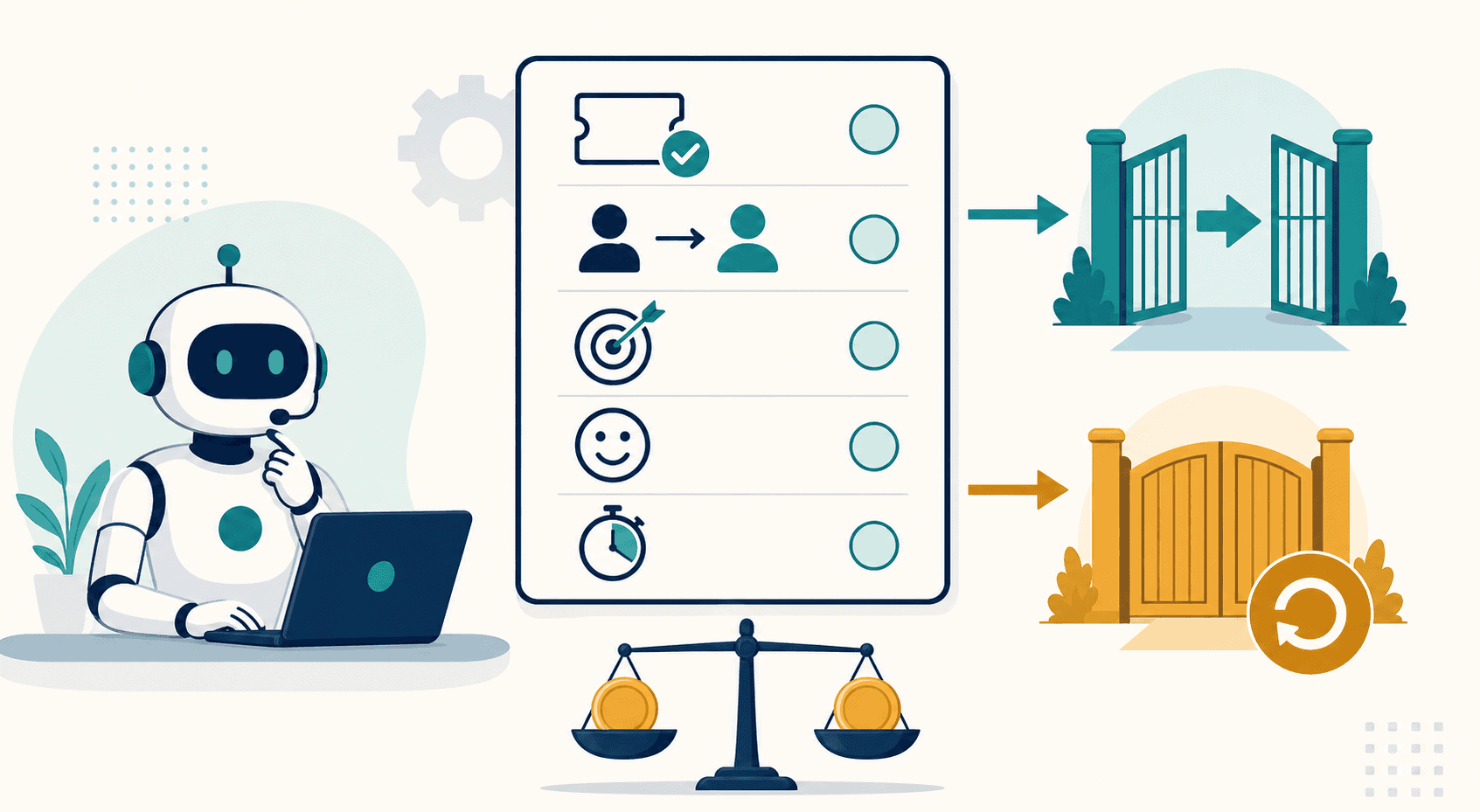
At day 30, score your AI support agent pilot against the five agreed metrics plus cost per resolution, distinguishing deflection from true resolution along the way. Record targets, actuals, sample sizes, and pass/fail status. Keep thresholds unchanged.
Use your own fully loaded human-handled contact costs as the baseline. Compare total costs, including review and rework, per confirmed resolution. Count contacts separately.
Recommend “go” only for workflows passing agreed gates. Give leadership the scorecard, unresolved risks, and proposed traffic limit. For “no-go,” name the failed gate and retest conditions.
Moving from pilot to full deployment
Expand your AI support agent pilot when resolution meets your preset resolution target from the day-30 scorecard, escalation stays stable, and CSAT holds or improves as traffic grows.
Before full volume, connect backend systems for agentic actions. Test permissions, failed requests, and rollback paths. For high-stakes tickets, require approval for sensitive actions and assign a policy owner to review audit logs. Keep a human fallback available throughout expansion.
How Fini structures a 30-day pilot
Our AI support agent pilot follows three stages:
Day 1: Knowledge Agent live. We connect your helpdesk and ingest your knowledge base.
Day 14: Agentic workflows. We connect billing, CRM, and backends so the agent takes real actions.
Day 30: Full autonomy across voice, chat, and email.
90-Day Money-Back Guarantee: 90% resolution in 90 days, or you pay $0.
Send 1,000 real tickets for our benchmark.
Final thoughts on planning your AI support pilot
You need evidence before handing over more tickets. Compare your results with the baseline, including review and rework costs. Send us 1,000 real tickets for a benchmark before expanding.
FAQ
Should you extend a low-volume Fini pilot?
Yes, if your AI support agent pilot has too few completed cases to judge the agreed success metrics. Extend the testing period without changing pass thresholds, and keep untested intents outside autonomous handling. Report sample sizes alongside results so leadership can separate promising early results from evidence for expansion.
Do Fini's newest tickets count as resolved?
No, tickets still inside Fini's 72-hour no-reply window should remain pending on your day-30 scorecard. We count a resolution only when Fini fully solves the issue, no human touches the conversation, and the customer does not reply for 72 hours. Report pending cases separately and finalize their status after that window closes.
How do you approve Fini's new knowledge?
Assign a knowledge owner to review articles that Fini's Knowledge Atlas drafts from escalated conversations before publication. Check each draft against current policy, resolve flagged conflicts, and retest affected questions before restoring paused intents.
Learning stays inside your workspace; Fini does not train models on customer data.
Related guides
Explore the guide topics to find more reading.
Co-founder